Menu boards that run themselves.
Bright 4K screens that follow your hours, switch to “closed” after close, power down overnight — and update from any browser. Running on a box behind your counter, not someone else’s cloud.
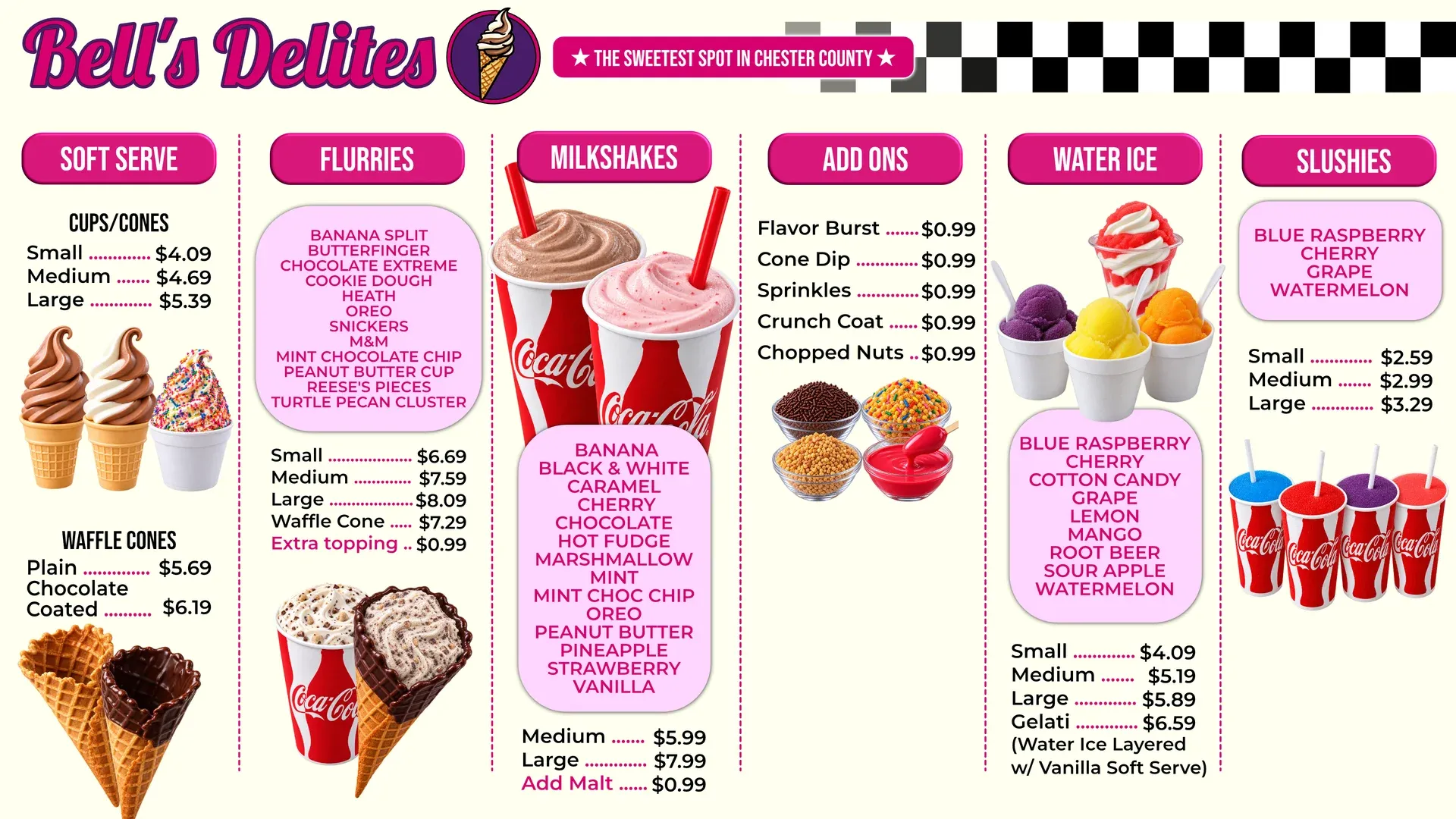
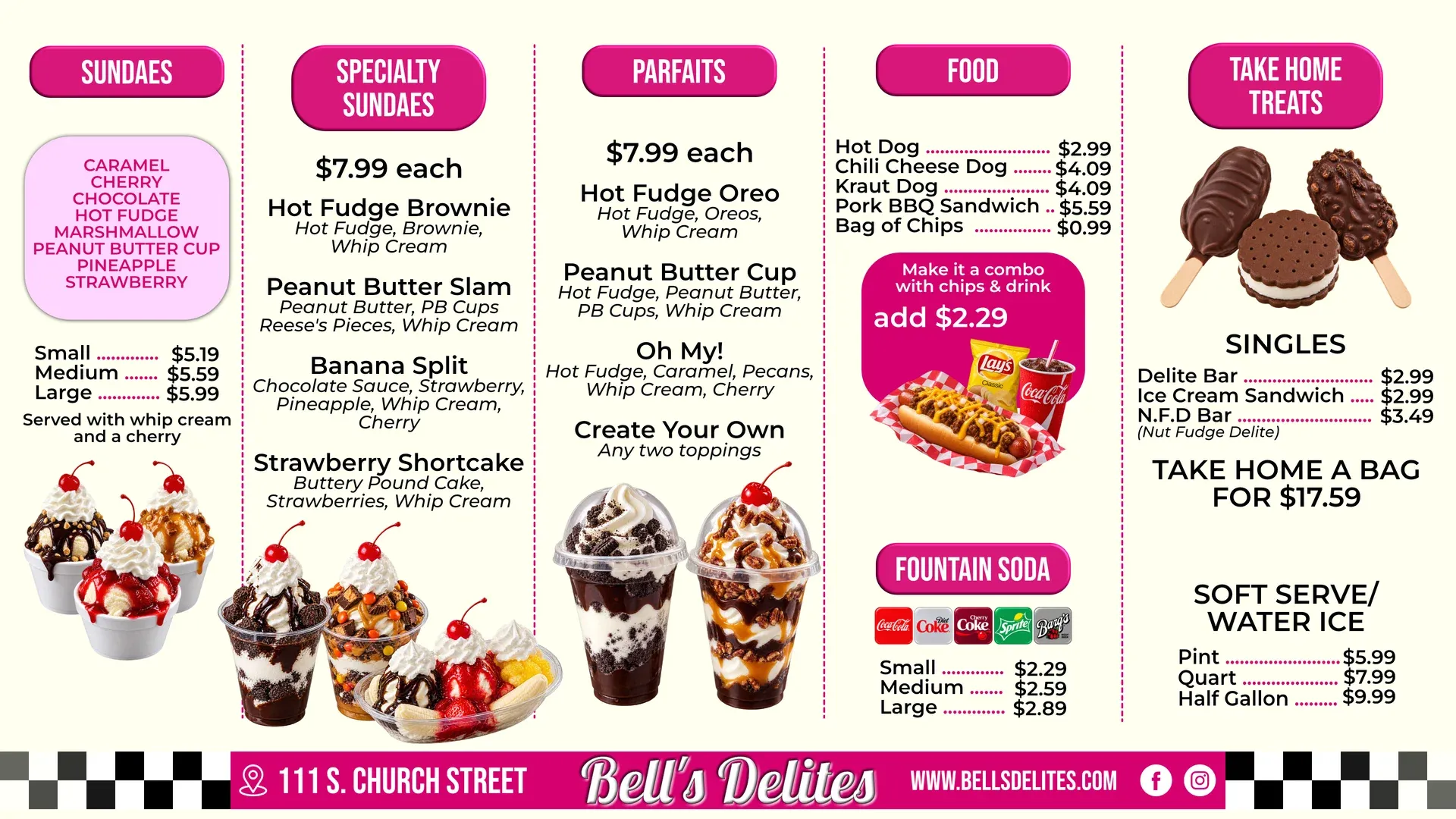
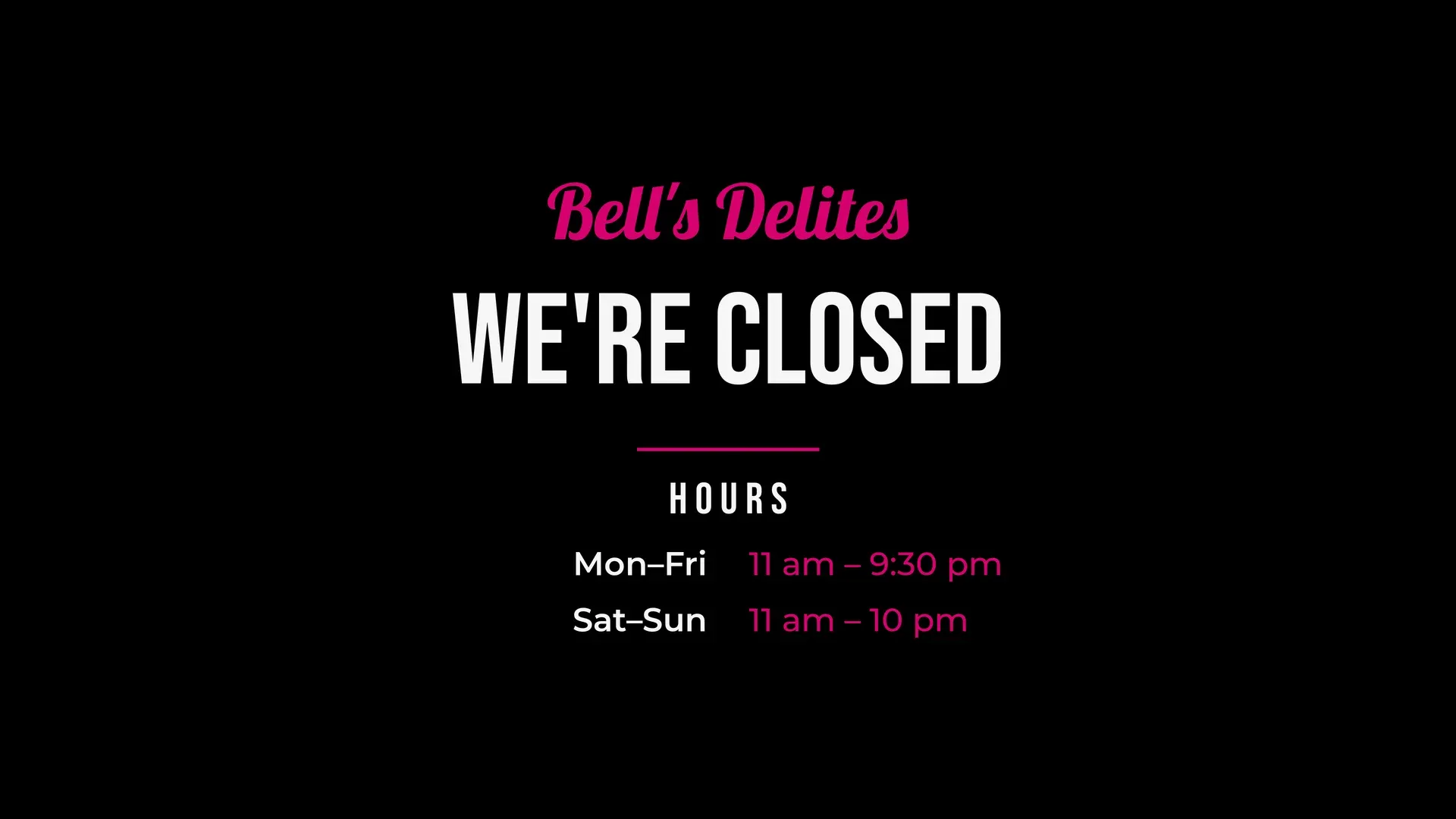
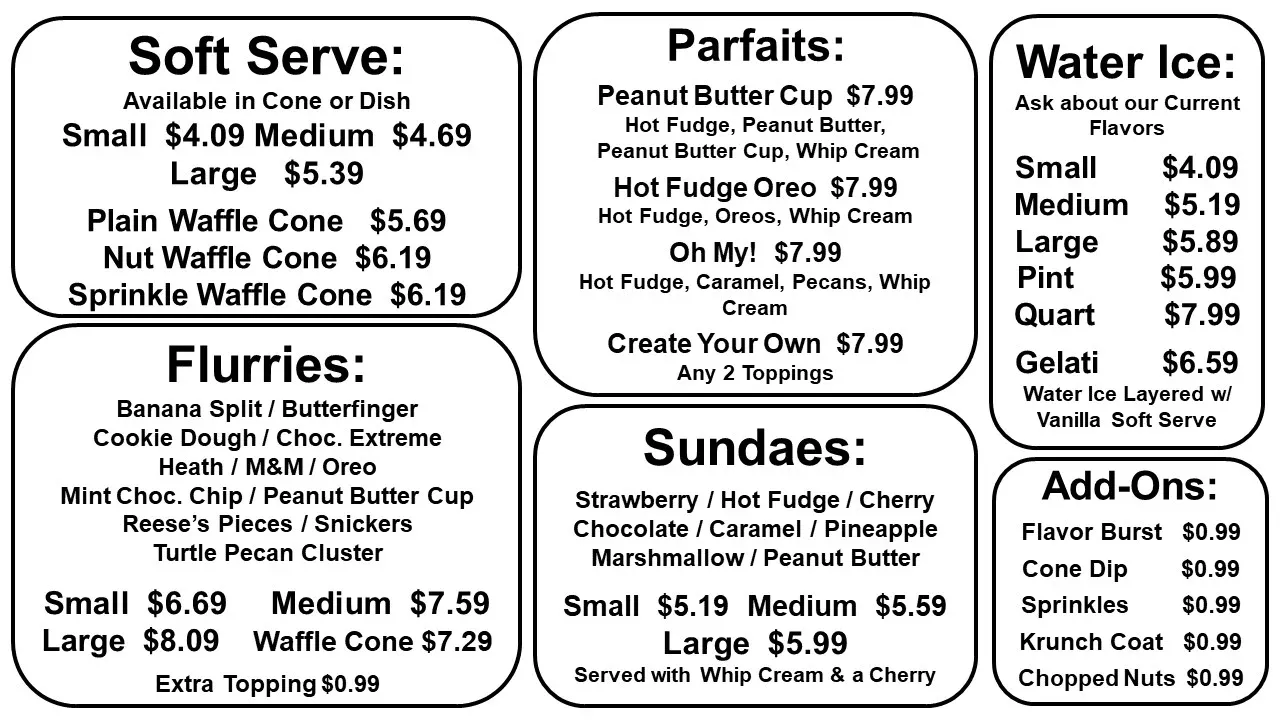
Same shop. Same menu. New screens.
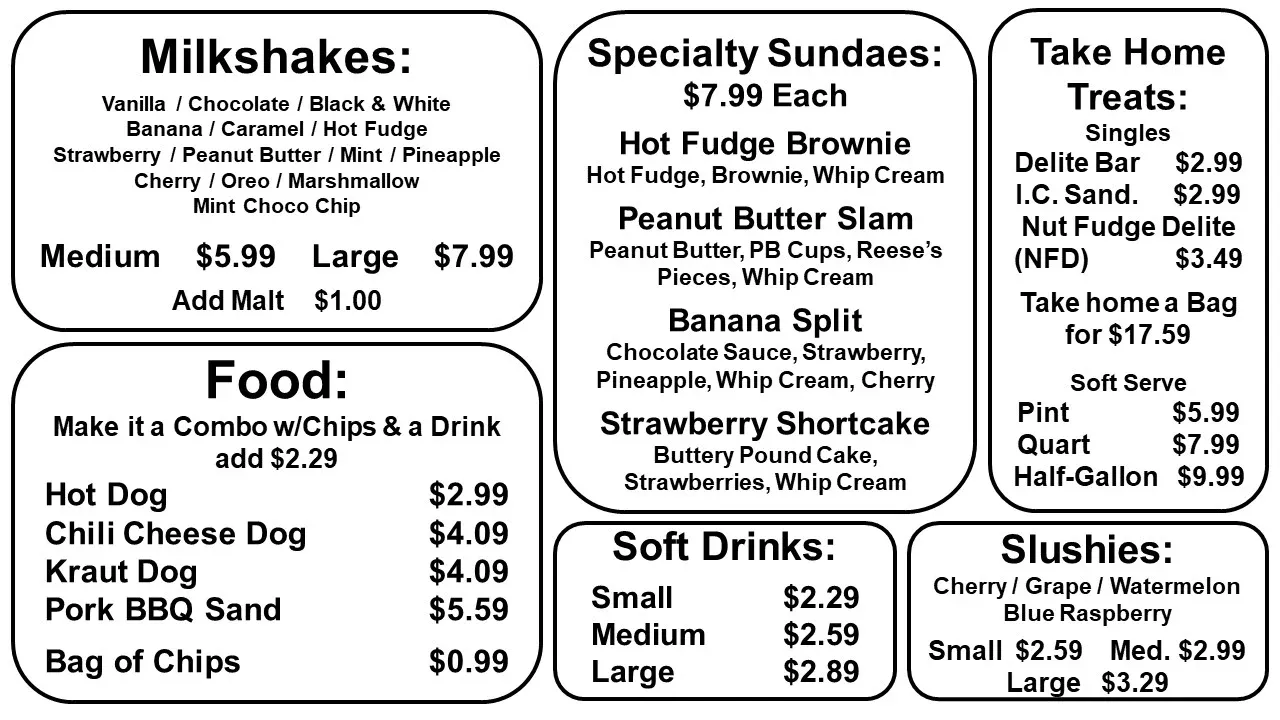
Bell’s Delites went from plain text boards to branded 4K menus with photos of what you’re ordering. Drag to compare.
Everything a busy counter needs. Nothing it doesn’t.
Crisp 4K boards
Full-resolution menus on one TV or two — mirrored, or each showing a different board.
Rotating boards
More menu than fits on a screen? Boards rotate on a timer, and two TVs stay in perfect sync.
Runs on your hours
A weekly schedule flips the screens from menu to “we’re closed” and back — with holiday and one-off exceptions.
Off when you are
Overnight, the TVs are switched off automatically. No one has to remember the remote.
Update from a browser
Upload a new board, change hours or swap the closed screen from your phone or laptop.
See what’s on screen
The control panel shows exactly what each TV is displaying right now — from anywhere on your network.
Staff accounts & history
Separate sign-ins for owners and staff, and a log of who changed what, and when.
Health alerts
If something looks wrong — a display, disk space, a service — a notification goes straight to your phone.
One-click backup
Download your boards, schedule and settings in one file whenever you like.
Runs on site
A small computer behind the counter drives the screens, so the menu stays up even if the internet doesn’t.
Your screens. Your box. Your menu.
Lots of signage is sold as a platform subscription. Shingle is built the other way around.
| Topic | Typical signage platform | Shingle |
|---|---|---|
| Where it runs | Usually a cloud service plus a player box | A small computer in your shop that you own |
| If the internet drops | Varies by platform | Screens keep showing your menu and schedule |
| How you’re billed | Often per screen, per month | One itemized quote: setup, hardware, optional support |
| Menu design | DIY templates | Custom-designed boards that match your brand |
| Your data | Lives in their account | One-click backup you can keep anywhere |
The practical stuff.
What hardware do I need?
TVs (one or two), a small computer that drives them, mounts and cabling. I’ll spec exactly what your space needs, itemized — you can use TVs you already have if they’re suitable.
Who designs the menu boards?
I do, as part of the project — matched to your brand and your existing signage. You can also supply your own artwork if you have a designer.
How do I change prices?
Upload an updated board from the browser control panel, or send me the changes and I’ll design and upload it for you. Both are fine.
Is there a monthly fee?
Your quote separates one-time setup and hardware from any optional ongoing support, so you can see exactly what — if anything — recurs before you commit.
Does it work for businesses other than restaurants?
Anywhere a screen should show the right thing at the right time: cafés, ice cream shops, salons, waiting rooms, retail counters. Ask about your setup.
See it running before you decide.
Bell’s Delites in Parkesburg runs on it today. Get in touch and I’ll walk you through the control panel and what your setup would take.